
7 Signs Your Phone Battery Needs Replacing
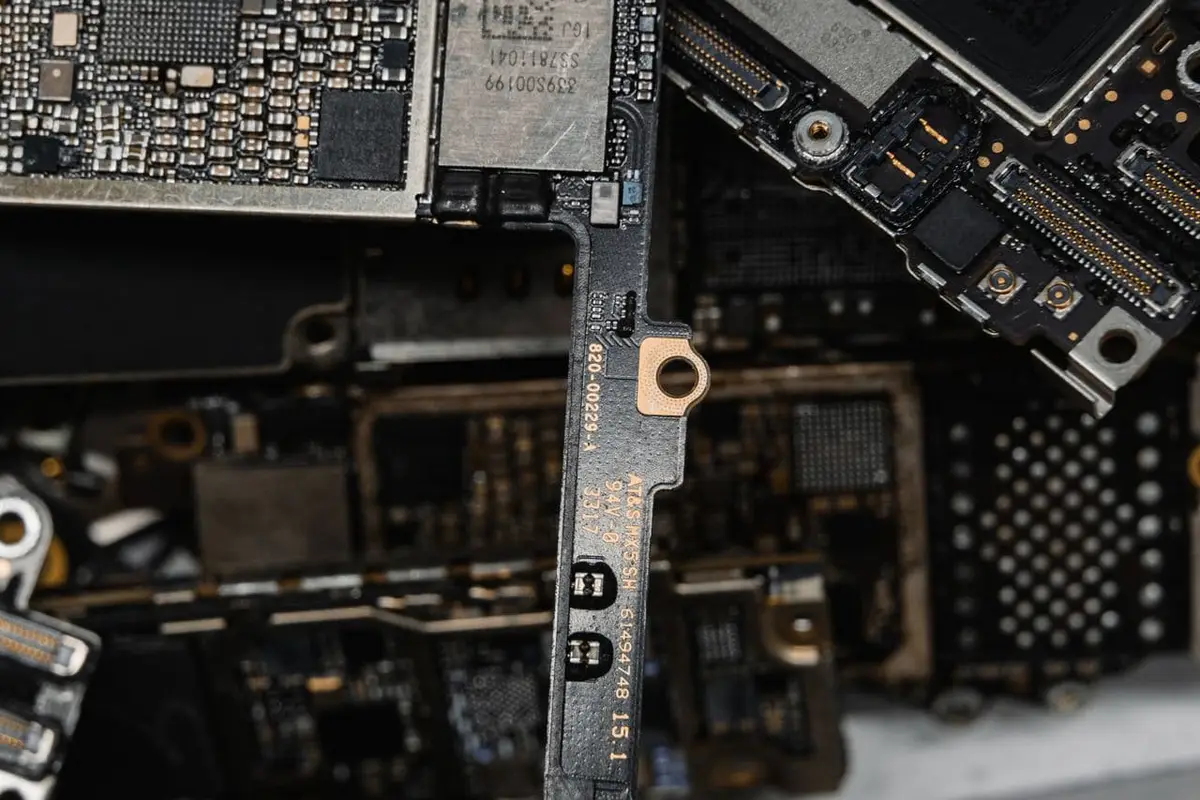
If your phone dies before the end of the day, shuts off at 20 or 30 percent, or runs hot for no reason, the battery is the most likely cause. Lithium-ion batteries wear out with charge cycles and heat, and most start to fade noticeably after about two years. Here are seven signs a battery replacement is all you need.
The 7 warning signs
- Your phone dies long before the end of the day, even on light use.
- It shuts down suddenly, often at 20 to 40 percent, especially in cold weather.
- The percentage drops in big jumps, such as 50 percent to 20 percent within minutes.
- The phone gets unusually warm while charging or while sitting idle.
- Charging is slow, stalls at a certain percentage, or the phone only works while plugged in.
- The back glass, screen or case is lifting or bulging, which points to a swollen battery.
- iPhone Battery Health shows about 80 percent or lower, or your Android battery stats show poor health or heavy drain.
Why do phone batteries wear out?
Lithium-ion batteries lose capacity a little with every charge cycle. One cycle equals using 100 percent of the battery's capacity, whether that happens in one day or across several partial charges. Over hundreds of cycles, the battery holds less energy and delivers power less steadily.
Heat speeds up that wear. Leaving a phone on a car dashboard in a Sacramento summer, gaming while it charges, or charging under a pillow all add up. Sitting at 100 percent for long periods also adds stress, which is why newer phones offer optimized or limited charging settings.
How do I check my battery health?
On an iPhone, go to Settings, then Battery, then Battery Health (or Battery Health and Charging). If Maximum Capacity is around 80 percent or lower, or you see a message that the battery has significantly degraded, a replacement will make a clear difference.
On Android it depends on the brand. Recent Pixel phones show battery health under Settings, Battery. Samsung Galaxy owners can check through the Samsung Members app diagnostics. If your phone does not show a health number, the symptoms in the list above are a reliable guide, and we can test it in store.
Why does my phone shut off at 30 percent?
A worn battery cannot deliver enough power during short spikes in demand, such as opening the camera or loading a large app. The voltage dips, and the phone shuts down to protect itself, even though the percentage still shows charge left.
Cold makes it worse, because lithium-ion cells deliver power less efficiently at low temperatures. If your phone turns off at random and then shows a higher percentage once it is plugged in, the battery is almost always the cause.
Is it the battery or the charging port?
If the phone charges slowly or only at certain cable angles, the problem may be the charging port rather than the battery. Lint packed into the port is common and often only needs a careful cleaning.
A quick test: try a different cable and charger you know works, and check whether wireless charging behaves normally. If wireless charging works but the cable does not, the port is the likely issue. If both are slow and the battery drains fast, the battery is worn. We can check both in a few minutes.
Why replace the battery instead of upgrading?
A new battery restores all-day life for a fraction of the price of a new phone, and you keep a device you already know, with your apps and settings exactly where they are. If the rest of the phone works well and still gets software updates, a battery is often the smartest money you can spend on it.
It is also the less wasteful choice. Keeping a working phone in use for another year or two means one less device bought and one less sent to recycling.
How long does a battery replacement take?
Most battery replacements take 30 to 60 minutes. Walk-ins are welcome, and if you call ahead with your model we can confirm the battery is in stock.
We use OEM or high-quality aftermarket batteries, and we tell you which one you are getting before the repair. Back up your phone first as a good habit before any repair.
Will my iPhone show an “Important Battery Message” after replacement?
On iPhone XS and newer, including iPhone 11 and later, iOS may show an “Important Battery Message” or list the battery as an unknown part when it is not serialized to that phone by Apple. The phone still works normally and charges as expected.
On some models the Battery Health percentage may not display afterward. We explain how your specific model behaves before we start.
Swollen battery? Act now
A bulging battery is a safety risk. Stop charging it, power the phone off, and keep it away from heat and anything flammable. Do not press on it, puncture it or try to pry it out yourself.
Bring it in as soon as you can. We remove swollen batteries carefully and dispose of them properly, then fit a new cell and test charging.
How to make your new battery last longer
- Turn on Optimized Battery Charging (iPhone) or Adaptive Charging (Pixel), or the charge limit setting on your phone.
- Keep the phone out of hot cars and direct sun, and take it out of a thick case if it gets hot while charging.
- Avoid heavy gaming or video recording while the phone is charging.
- Use a reputable charger and cable rather than the cheapest one at the gas station.
- You do not need to drain the battery to zero. Partial charges are fine for lithium-ion cells.
Battery replacement in Sacramento
If any of these signs sound familiar, bring your phone by for a free check. Call (916) 937-1888 or walk in to 3409 Watt Ave, Sacramento, CA 95821. We are open Monday to Thursday 10 AM to 7:30 PM and Friday to Sunday 10 AM to 7 PM. Our workmanship warranty covers the replaced battery; it does not cover drops, impact or liquid damage after the repair.